Schwab Decoder
This app decodes Schwab share transaction histories, and extracts the information that you must report to SKAT. (source code)
NO WARRANTY: This app may contain bugs. You are solely responsible for verifying the correctness of any submissions you make to SKAT. This app is not endorsed by Unity.
In particular, only RSU transactions have been well-tested; ESPP/SOP purchases and sales may be buggy.
The app assumes all your Unity shares are with Schwab. If you have $U shares in other banks, the results will be incomplete.
The app works entirely in the browser, and your financial data does not leave your computer.
Instructions
You will need to export two JSON files from Schwab.
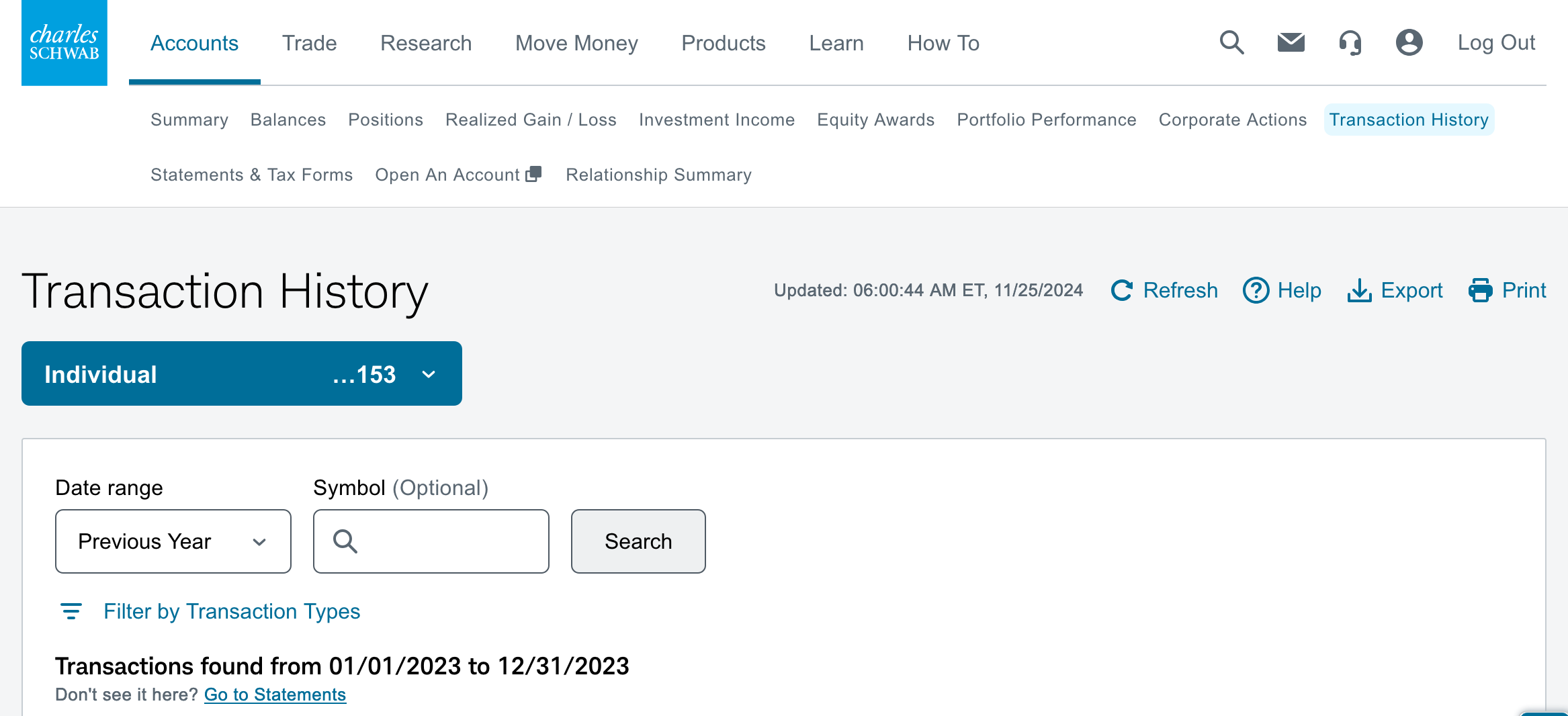
1. Log in to Schwab and click Accounts in the top menu bar, and then Transaction History in the secondary menu bar just below the top one.
2. In the big blue drop-down, select Individual (if not already selected).
Select Previous Year (or All) for Date range, click Search, then click Export in the top-right corner, select JSON format, and save the file.
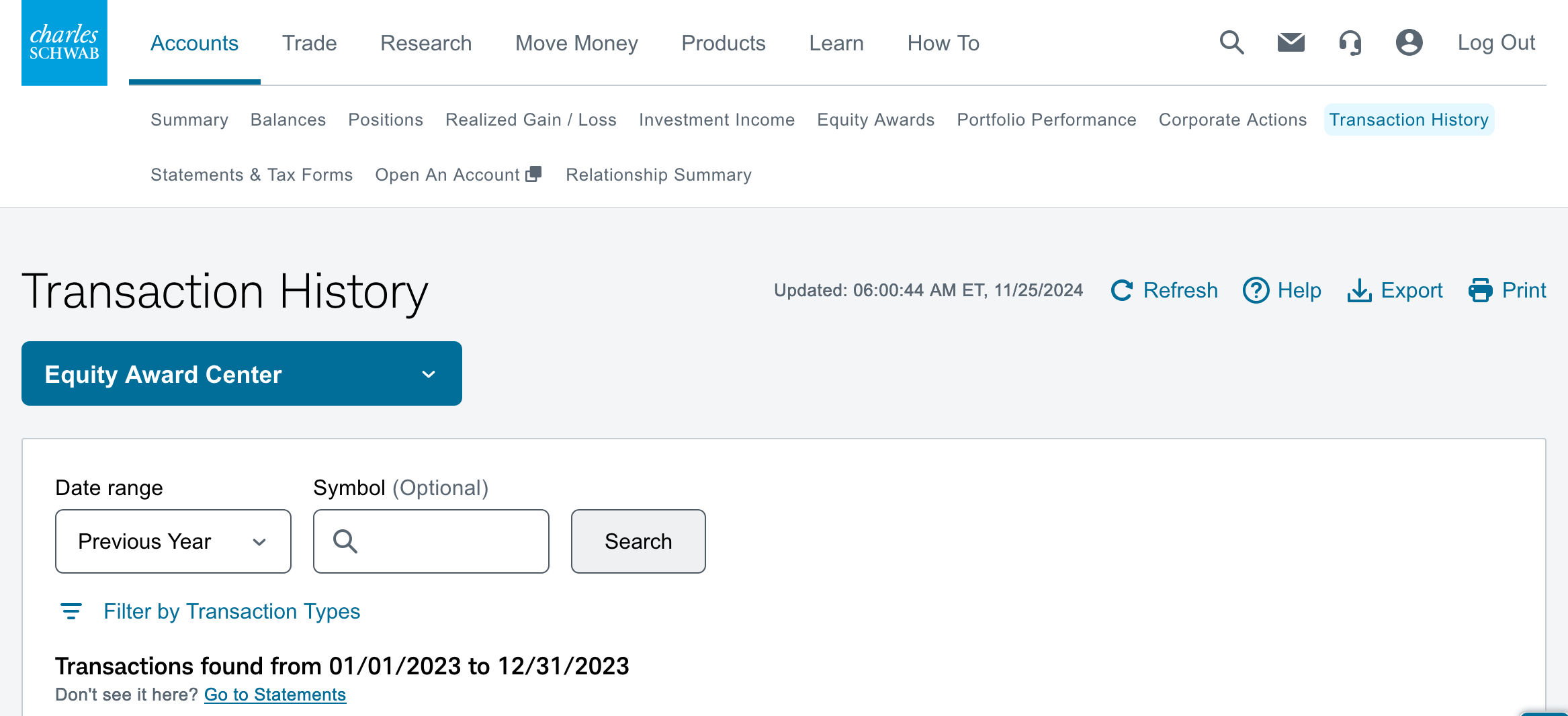
3. In the big blue drop-down, select Equity Award Center.
Once again, select Previous Year (or Previous 4 Years) for Date range, click Search, then click Export in the top-right corner, select JSON format, and save the file.
4. (optional) While you're here, grab the year-end Brokerage Statement (needed for your tax filings, but not for this app). Select your Individual account, then click Statements & Tax Forms in the secondary menu bar, find the "Brokerage Statement" dated 12/31 and download the PDF.
5. Drag-and-drop the two JSON files onto this page (one at a time, or both at once).